
Keycaps AI Studio for mechanical keyboards
Generate keycaps concepts with AI, then publish a share page for your design.
Privacy-first: only designs you publish are public.
Generate → Publish → Share → Waitlist
Publish to community, share the link, and collect interest via an optional waitlist.
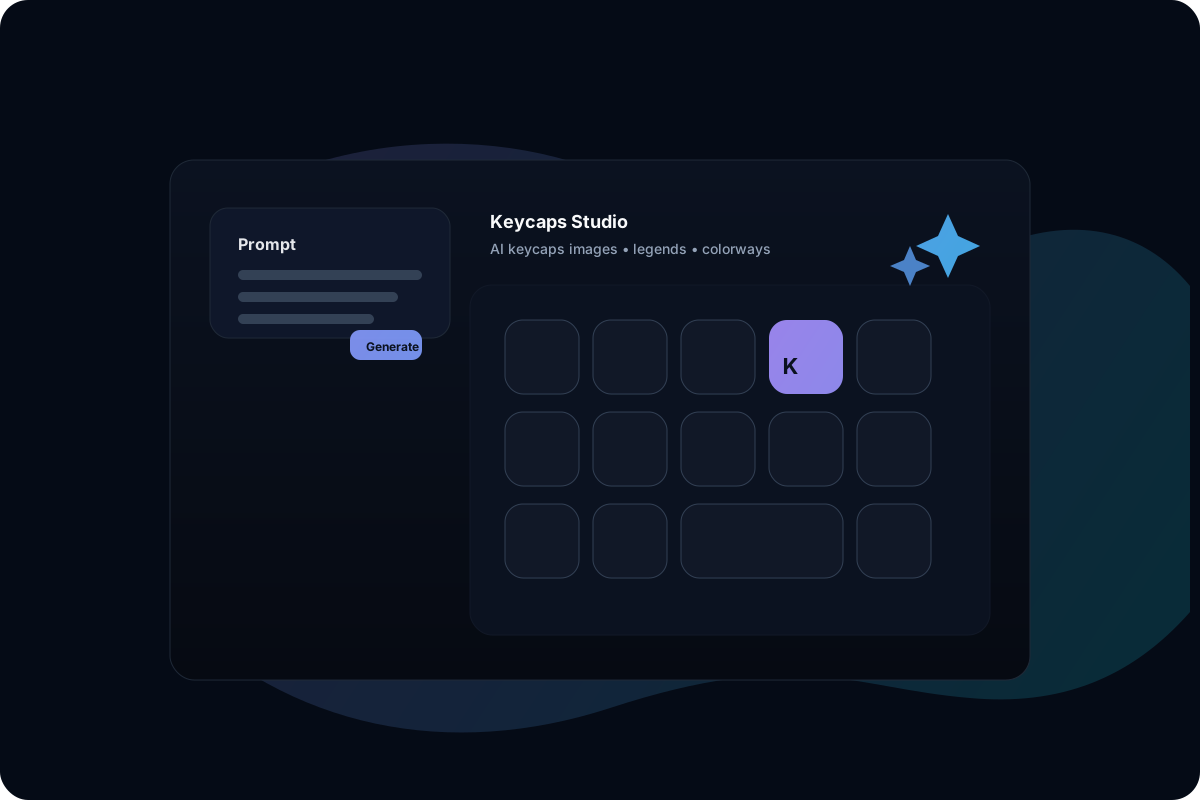
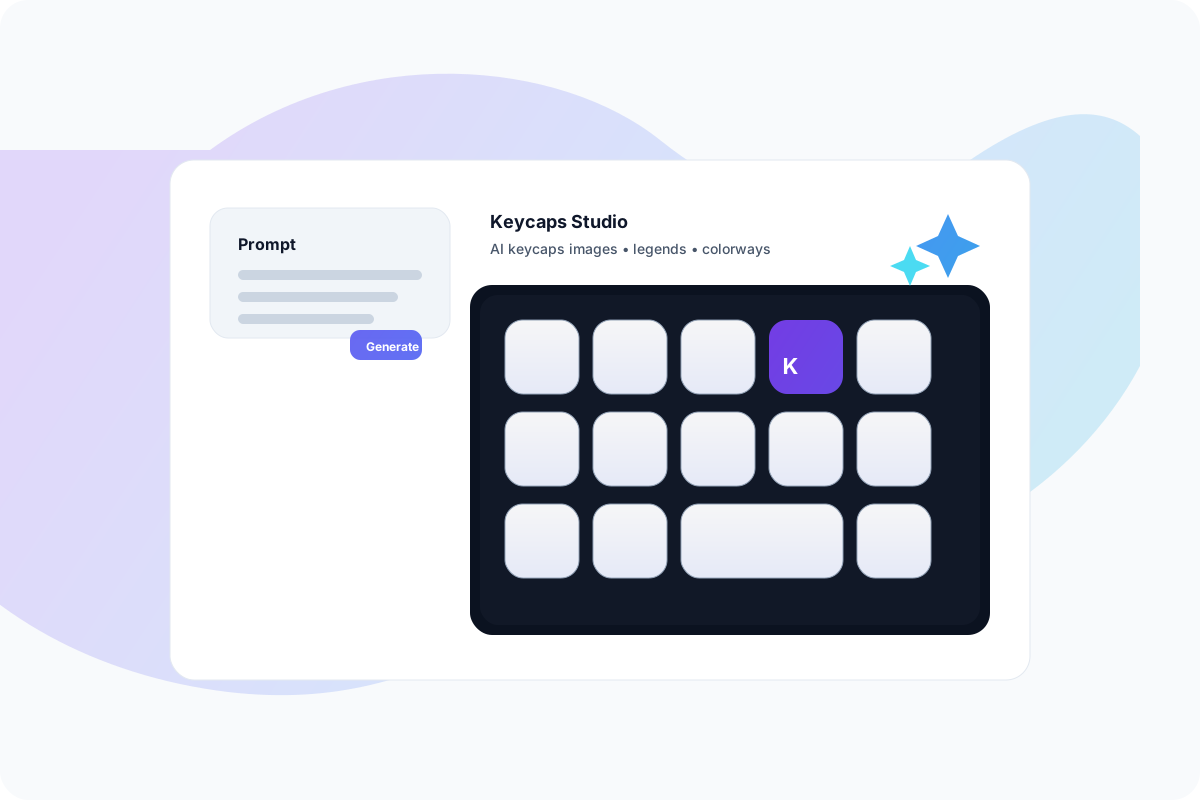
Latest published designs
A live stream of designs makers publish to the community. Click any card to view, copy the prompt, and remix in Studio.

Tip: only designs you publish are public.

 by Terry
A studio canvas, not just a prompt box
A clean “Studio” workflow: generate images, preview in a product-like canvas, then publish a shareable design page.
Studio canvas
Big preview, variations, and tools in one place.
Guided presets
Profile, legends, material, lighting—start from good defaults.
Publish & share
Turn a good result into a public design page you can share.
Remix friendly
Copy prompt + settings, remix from any design page.
Designed for iteration and sharing
A simple loop: generate → publish → share → interest check → export. Built for makers and communities.
How it works
A minimal loop you can finish in minutes:
Generate → Publish → Share → Waitlist → Export
Keycap-first presets
Profiles, materials, legends, layouts — prefilled so you can iterate faster.
Key features
A lean set of features for shipping designs and collecting demand.
Studio-first workflow · Publish creates a share page
FAQ
Have another question? Email us at support@keycaps.dev.
Open the Studio
Generate → Publish → Share. Start building your next keycaps set today.
Generate → Publish → Share → Waitlist