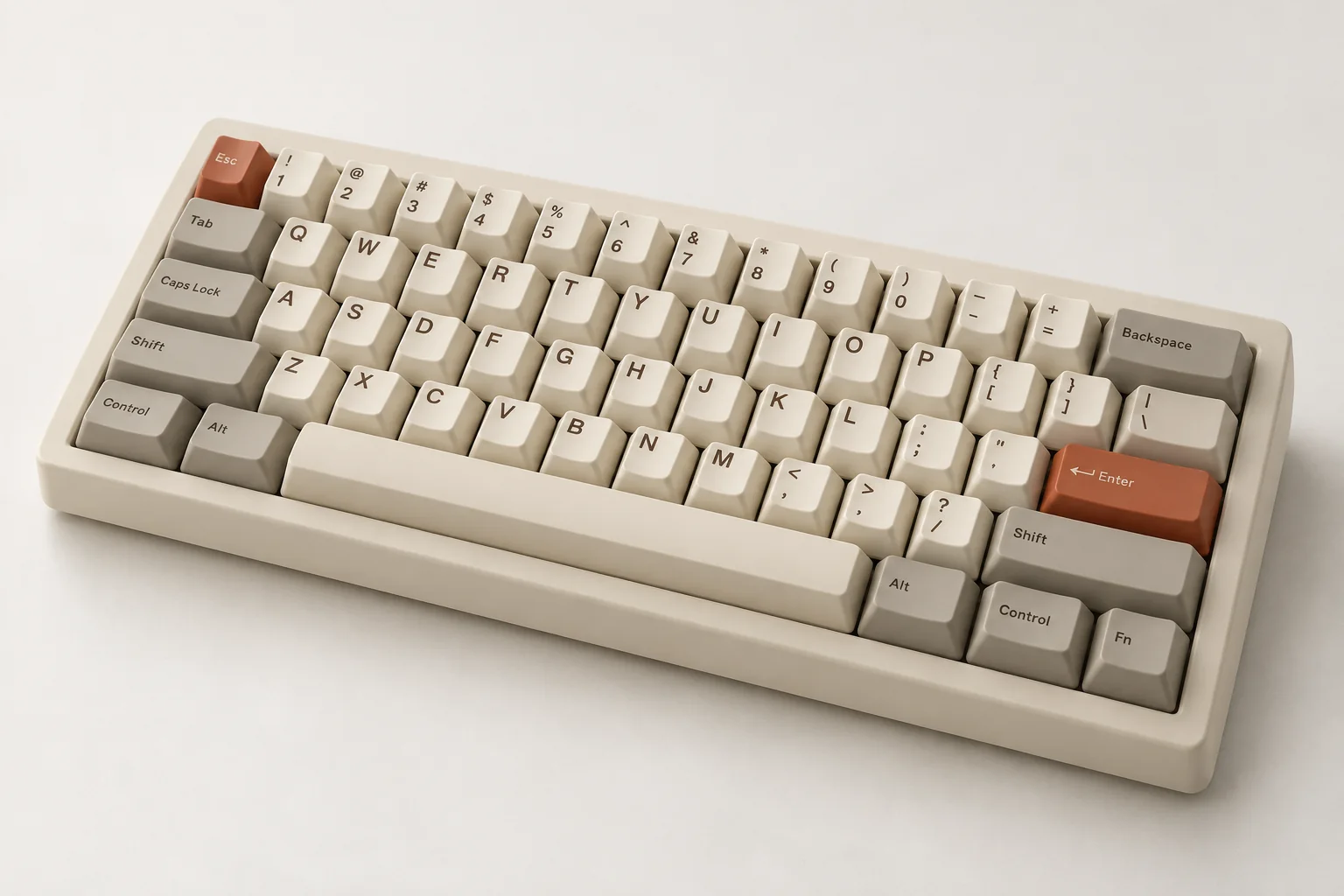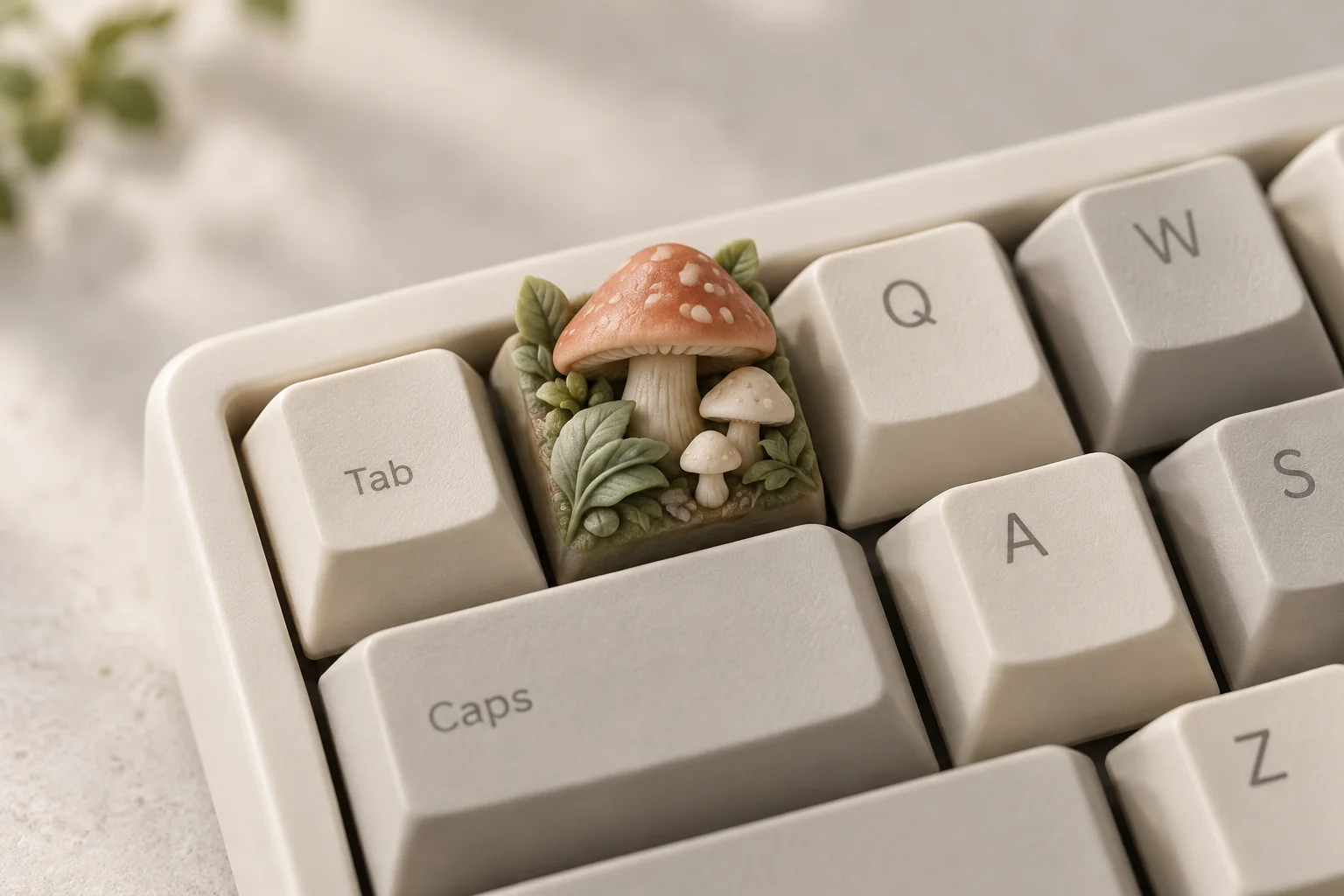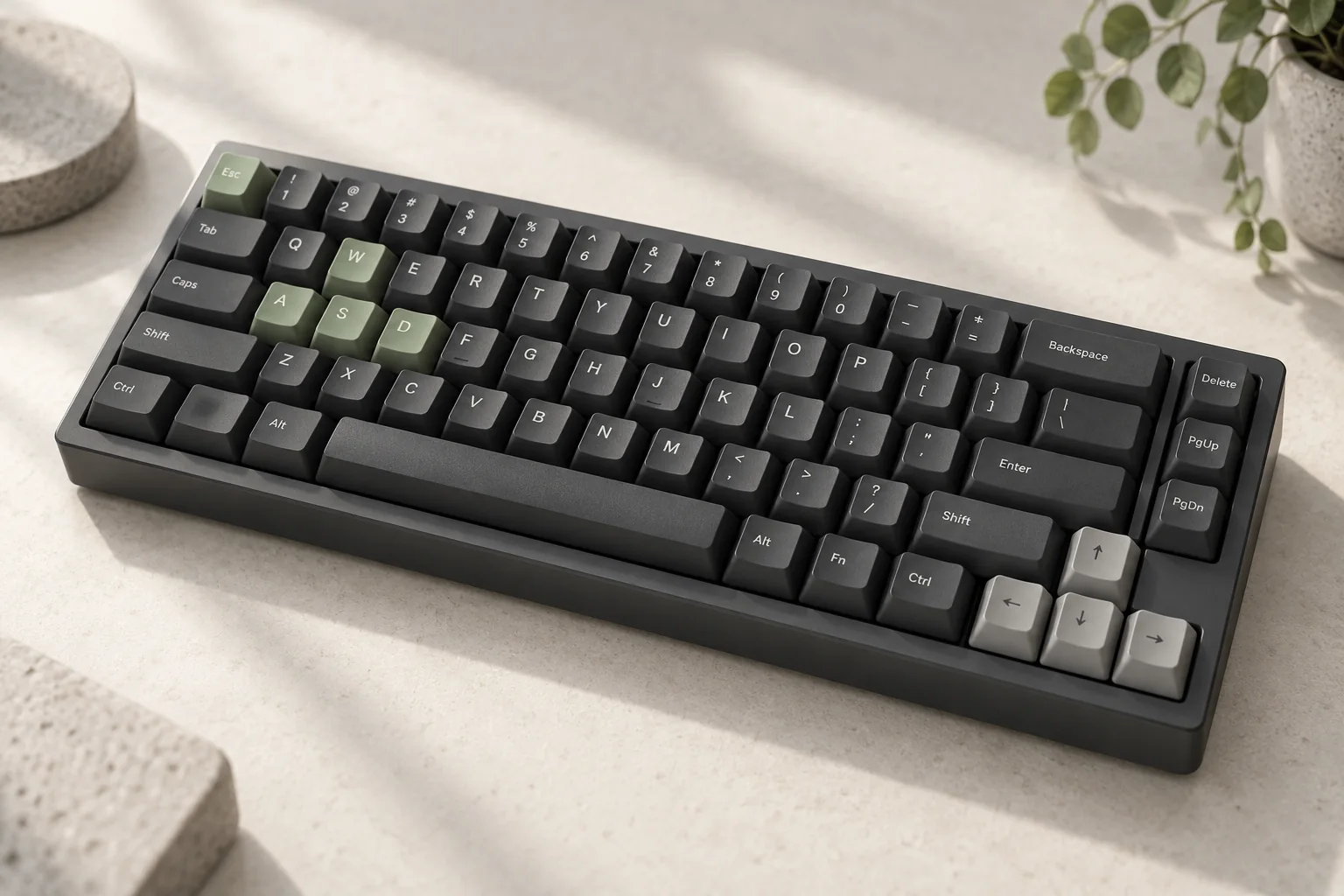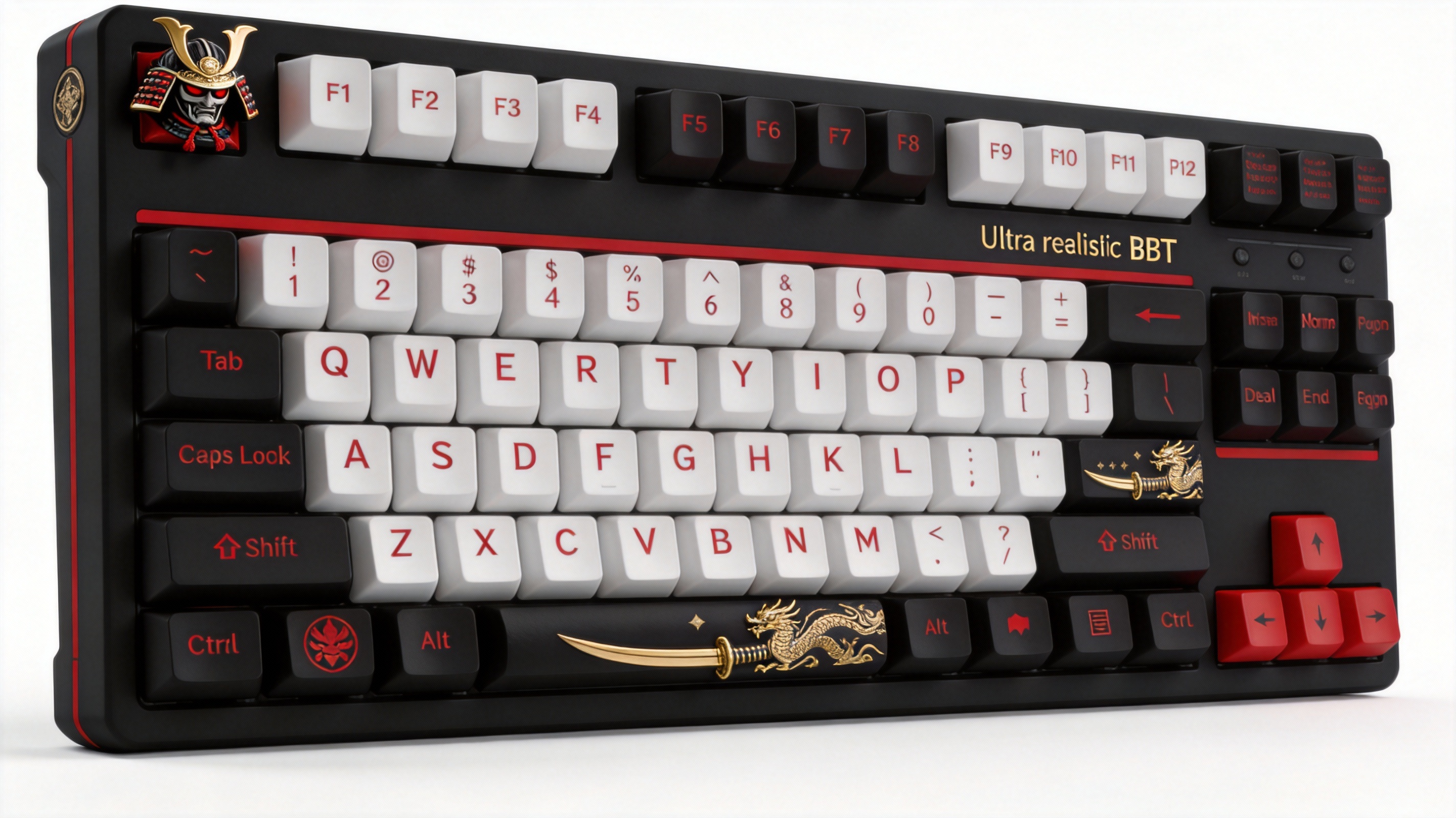
Samurai red & black
A bold palette from the original concept studio.
YOUR IDEAS. YOUR KEYCAPS.
Find a colourway you love. Bring a character, a name or a little imagination. Shape it into a single 1u keycap, explore the real 3D model and take it to your printer.
GLB / STL / OBJ · Free to try, no account required
Try a ready-made sculpture or import your own.
Save your designs and printing notes in Studio.
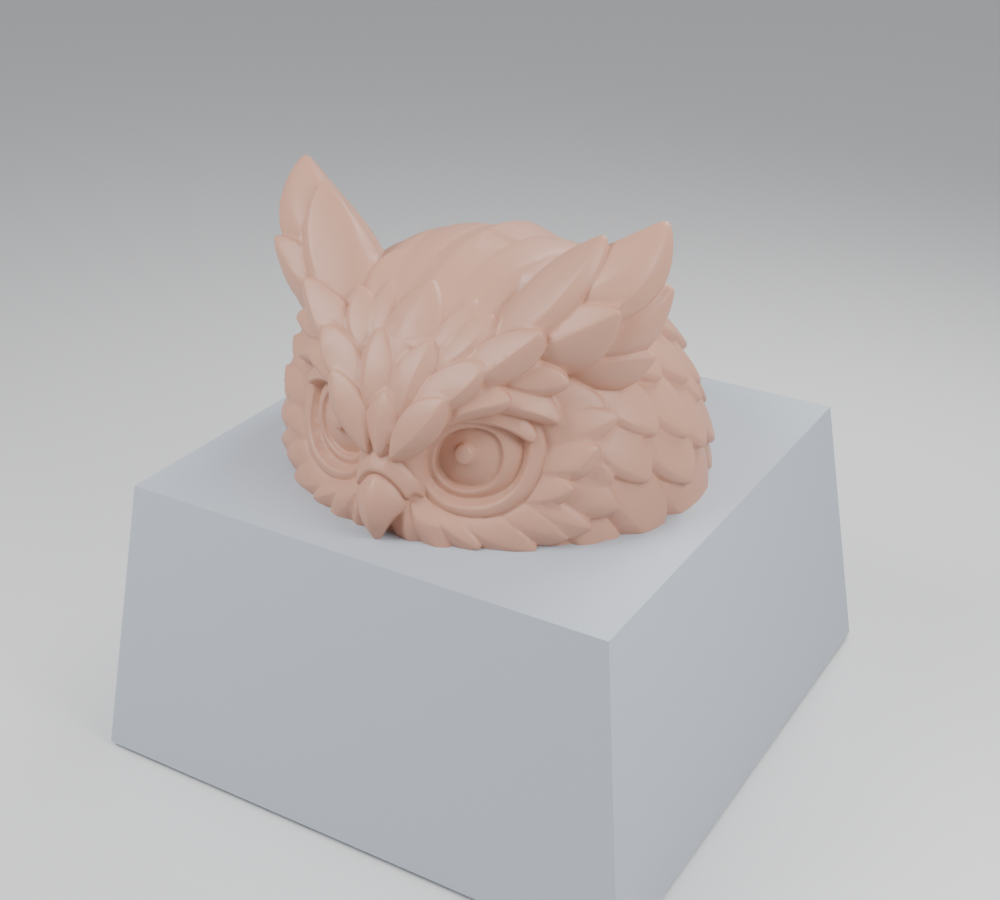
Actual AI-generated sculpture + original base. Model render, not a print photograph. Software checked; physical fit pending. Model notes ↗
FROM THE ORIGINAL STUDIO
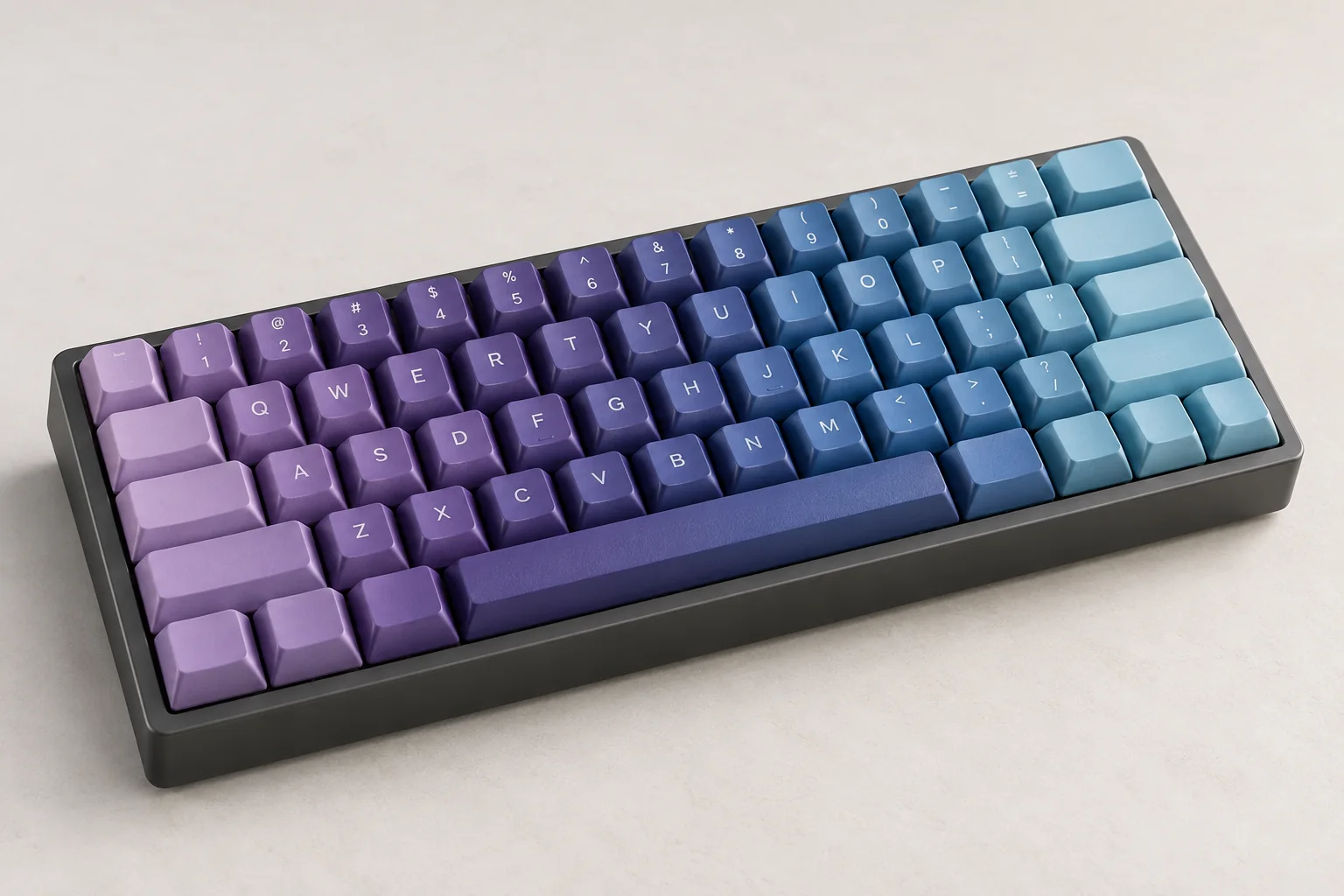
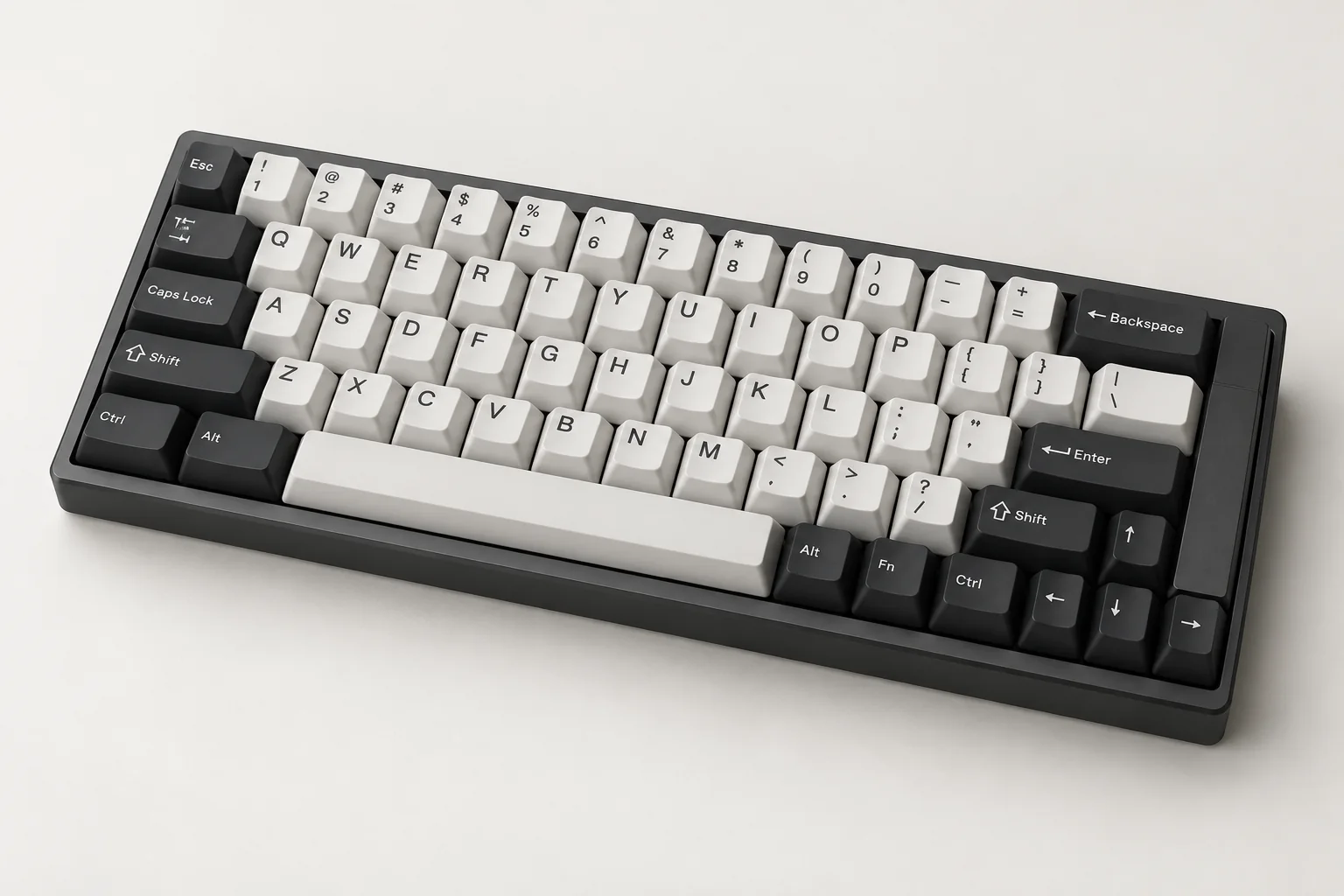
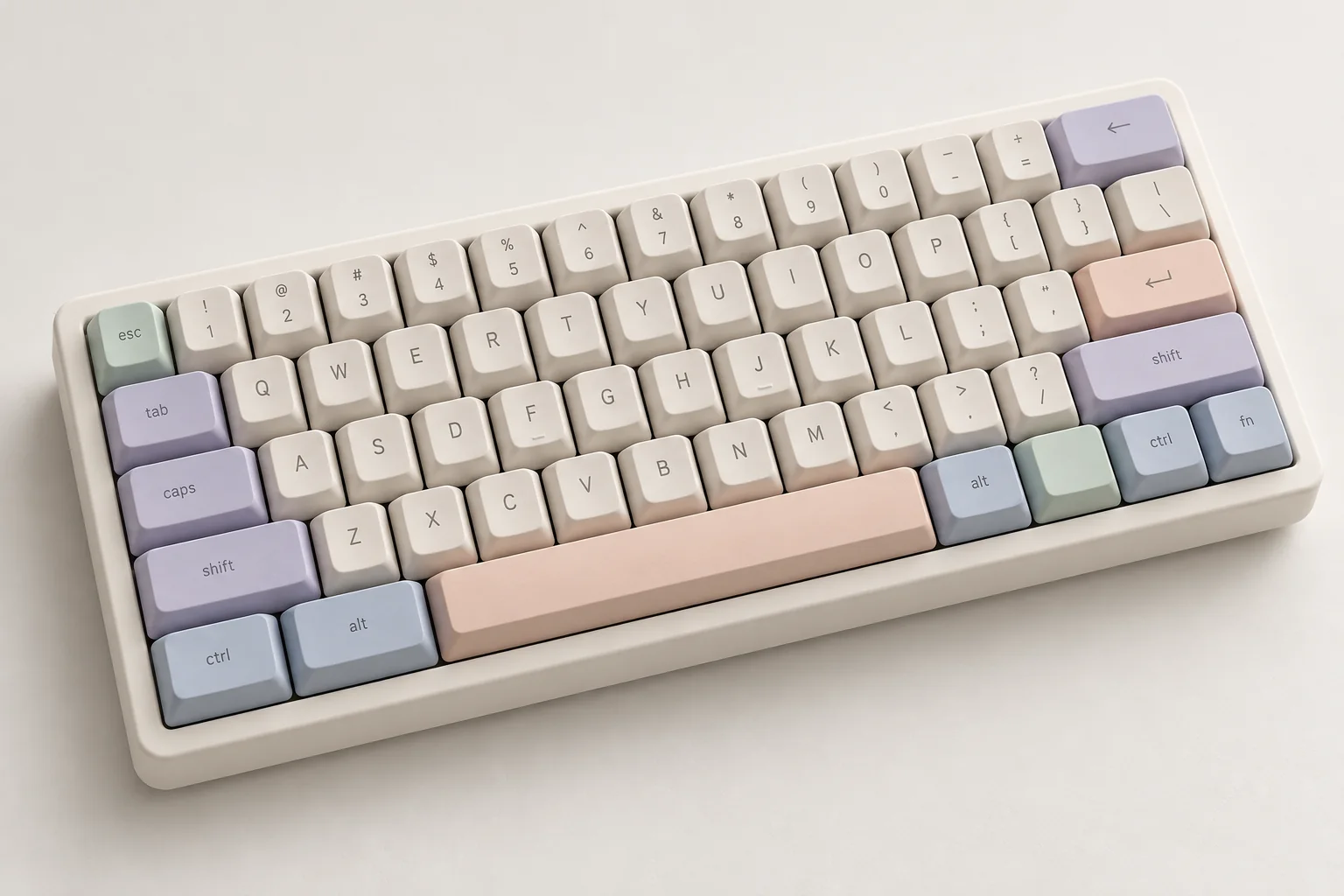
The original studio’s concept images meet fresh AI colourway studies. Explore a look, then make it your own.
Explore the original gallery ↗A bold palette from the original concept studio.
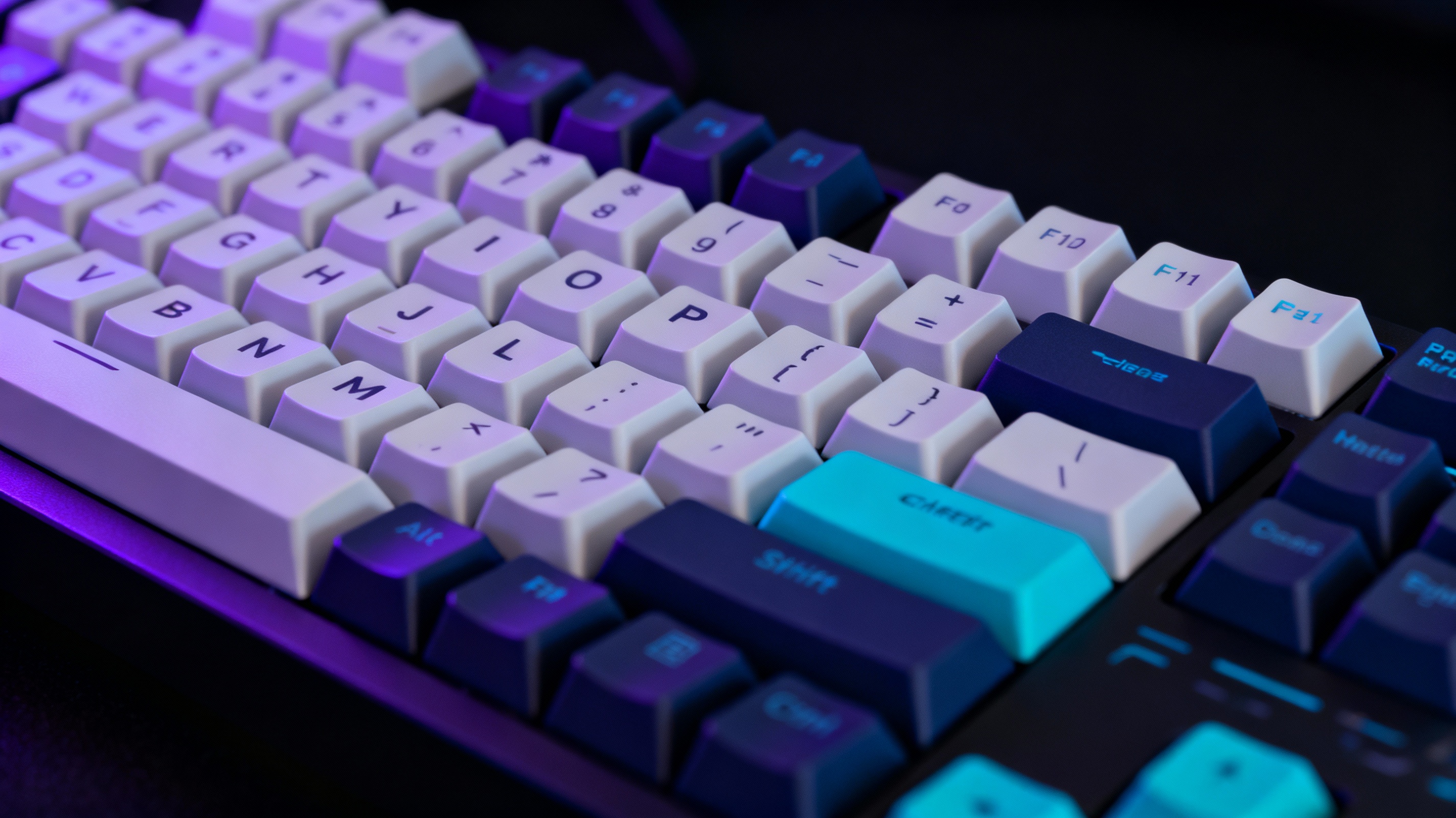
Neon accents, dark keys and a little atmosphere.
AI concept images from our original website · visual inspiration, not printable models or physical samples
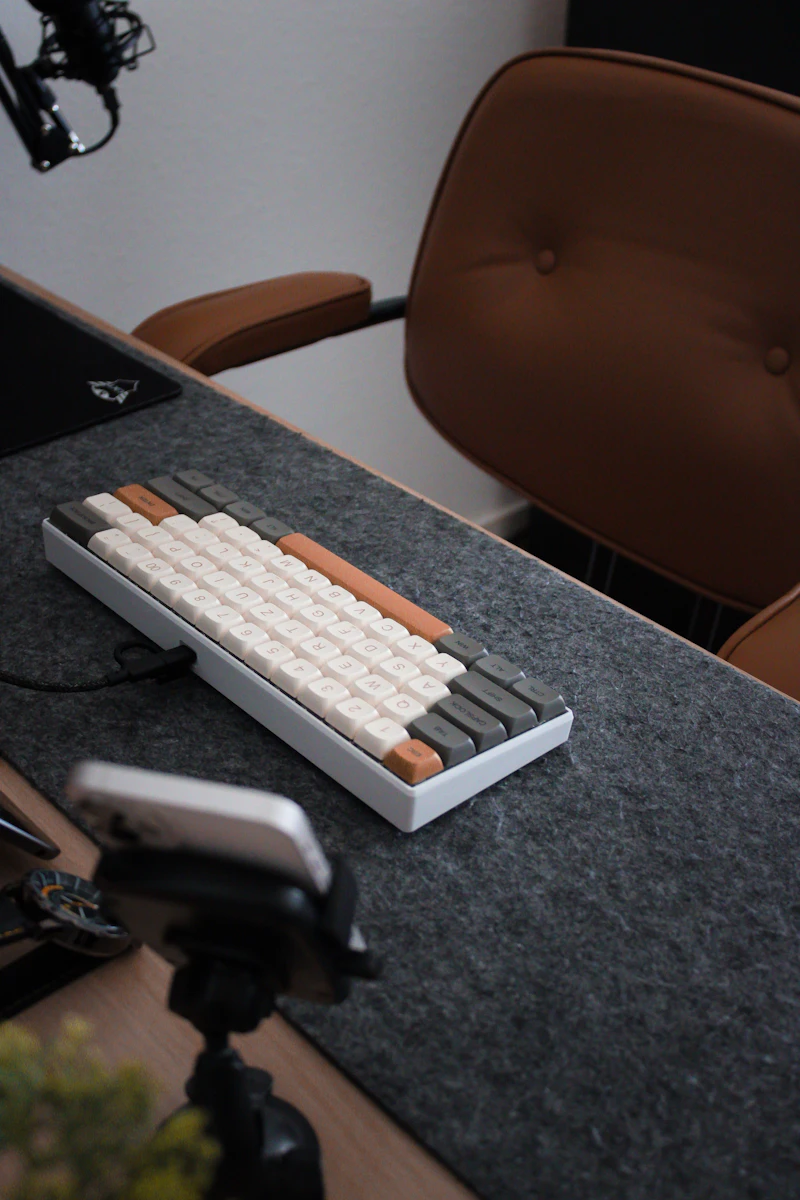
FOR YOUR MECHANICAL KEYBOARD
A custom artisan keycap gives a familiar keyboard a detail of your own. Start with a single 1u key: an original sculpture, a name or a raised graphic.
The shell profile shapes the outside. The socket connects to the switch underneath. Calibrate the socket and check your keyboard’s clearances before installing a print.
Understand keycap profiles and stem fit ↗A sculpture you can rotate. A base you can calibrate.
1u / MX candidate2 original profilesSTL / mmSCULPTED IN 3D / BUILT ON A REAL BASE
Two original AI sculptures, turned into checked keycap geometry. Rotate the actual meshes, download an example STL or start your own design.
AI SCULPTURE + ORIGINAL 1u BASE
Raised feather layers, wide eyes and a curious expression.
Software checked · physical printing and fit unverified
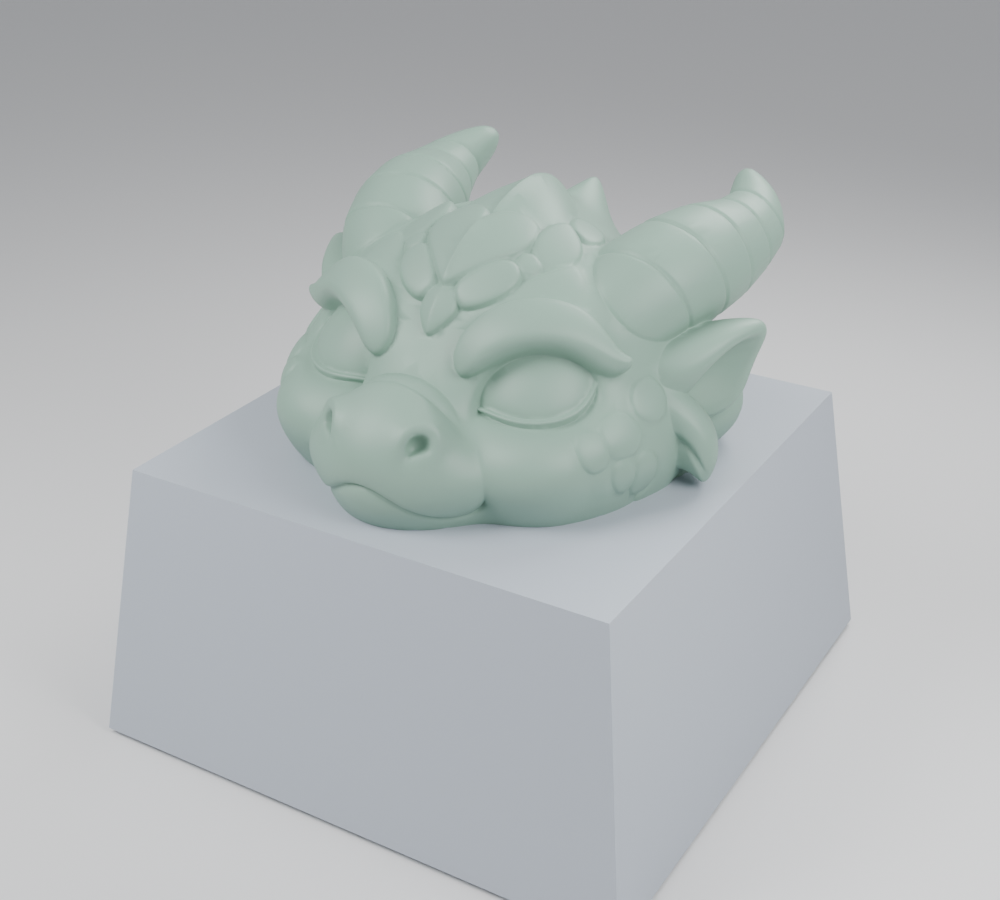
AI SCULPTURE + ORIGINAL 1u BASE
Soft scales, sculpted eyelids and a pair of curled horns.
Software checked · physical printing and fit unverified
ONE CONTINUOUS WORKFLOW
Use a static GLB, STL or triangulated OBJ. Import the decoration without an old keycap base.
Pick an original straight or tapered 1u shell. The MX candidate socket remains independent of the decorative form.
Fit and crop the model. Background Boolean union, conservative cleanup and mesh checks produce the preview and STL.
Test the socket samples first, inspect supports in your slicer, and record results in Studio.
WHAT MAKES IT A KEYCAP
01 / SCULPTURE
The imported mesh supplies the character and surface shape. Texture-only details will not appear in STL.
02 / PROFILE
Profile controls the shell outline and height. The two current profiles are original designs, not branded Cherry, SA or DSA reproductions.
03 / STEM
The female socket fits over the switch cross stem. Use calibration samples to check material shrinkage and your printer before installation.
ALSO IN YOUR TOOLBOX
Lettering, SVG relief, engraving and geometric templates remain useful for a simpler key. Studio manages your private projects and printing notes.
VALIDATION STATUS
A closed mesh is one step toward a printable object. Slicer setup, fine sculptural details, switch travel and installation still require checks on your printer.
Printing checklist ↗BEFORE YOU START
Open the designer, import a static GLB, STL or triangulated OBJ sculpture, and choose an original 1u shell. Adjust the scale, orientation and bottom crop, build the solid model, then inspect and download STL. Text, SVG relief and engraving are also available.
Yes. Import a static exported mesh within 20 MiB and 100,000 triangles. Complex models may need reduction or repair first. Surface details must be geometry to appear in STL. Direct AI generation inside this website is not enabled.
The original base uses a candidate MX cross socket. Physical fit is not yet verified. Print the calibration samples, account for material shrinkage, and test switch travel and neighbouring-key clearance before using a full sculpted cap.
Guests can use the basic designer, build parameter models and download STL without an account. Sign in to save private projects and printing feedback. Existing paid image credits and subscriptions are separate from this free modelling workflow.
YOUR NEXT CUSTOM KEY
Try a sample, or import your own sculpture.